Why Your AI Agent Forgets Everything
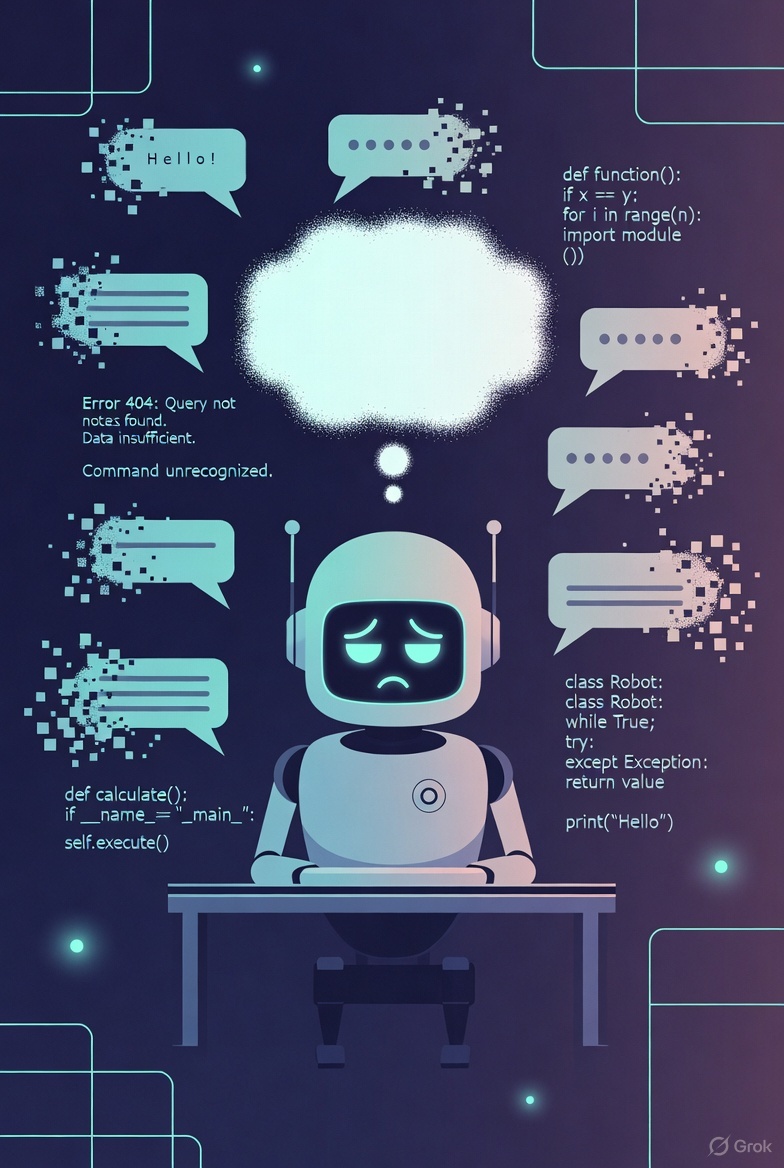
Why Your AI Agent Forgets Everything
Part 1 of the “Building AI Memory Systems” series
Your AI coding assistant has a dirty secret: it forgets everything between sessions. That brilliant conversation where it learned your coding style, understood your architecture, and made perfect suggestions? Gone the moment you close the chat.
I discovered this the hard way when I checked my Memory MCP server and found 225 entities—and 90% of them were garbage.
The Problem: Context Windows Are Not Memory
When you chat with Claude, GPT, or any LLM, there’s no persistent memory. What feels like “remembering” is just the conversation history being fed back into the model each time.
You: "Remember, I prefer snake_case for Python"
AI: "Got it! I'll use snake_case going forward"

--- New Session ---

You: "Write a Python function"
AI: [Uses camelCase because it has NO IDEA what you said before]
The context window is your only memory, and it’s:
- Finite (even the new 1 million tokens fills up fast with code)
- Session-bound (dies when you close the chat)
- Expensive (every token costs money to process)
The Standard Solutions (And Why They Fail)
1. Sliding Window
How it works: Drop oldest messages when context fills up.
The problem: Critical decisions made early get deleted. You lose the “why” behind the “what.”
Turn 1: "Let's use Redis for caching because PostgreSQL was too slow"
...150 turns later...
[Turn 1 deleted]

AI: "Should we cache this in PostgreSQL?"
You: 😤
2. Summarization
How it works: Use another LLM to compress old messages into summaries.
The problem: Summaries are lossy. Specific facts (“use port 8080”, “the API key is in .env.local”) get smoothed over. JetBrains Research found this can actually hurt performance—agents using summarization ran 15% longer because they lost the signals telling them when to stop.⇗1
3. RAG (Retrieval-Augmented Generation)
How it works: Embed your documents, search for relevant chunks, inject into context.
The problem: Great for documentation, terrible for personal facts. RAG doesn’t know that YOU prefer tabs over spaces, or that YOUR production server is at 192.168.1.50.
The Real Problem: Tools Are Wrong for Memory
Here’s what I tried: expose memory operations as tools. Let the AI decide when to save and retrieve.
@tool
def save_to_memory(entity: str, fact: str):
    """Save a fact about an entity"""
    memory.add(entity, fact)

@tool
def search_memory(query: str):
    """Search for relevant memories"""
    return memory.search(query)
Sounds reasonable, right?
The result: garbage data. My memory was full of:
- Random file names the AI thought were “entities”
- Duplicate facts saved multiple times
- Generic observations nobody needs (“user is working on code”)
- Missing the actually important stuff
Why? Because the AI has to decide when to use tools. That’s cognitive overhead. It’s trying to solve your coding problem AND manage its own memory at the same time. Memory management becomes an afterthought.
What Actually Works: Hybrid Architecture
After researching this problem (and getting external validation from Gemini 3), I landed on a different approach:
Don’t make the AI manage its own memory. Do it automatically.
┌─────────────────────────────────────────────────────┐
│                    Your Message                     │
└───────────────────────┬─────────────────────────────┘
                        ▼
┌─────────────────────────────────────────────────────┐
│  PRE-PROCESSOR (Small Local Model - GPT-OSS)        │
│  ┌─────────────────────────────────────────────┐    │
│  │ 1. Extract entities from message            │    │
│  │ 2. Generate memory search query             │    │
│  │ 3. Retrieve relevant memories               │    │
│  │ 4. Inject context into prompt               │    │
│  └─────────────────────────────────────────────┘    │
└───────────────────────┬─────────────────────────────┘
                        ▼
┌─────────────────────────────────────────────────────┐
│ PRIMARY LLM (Frontier Model) - With Enriched Context│
└───────────────────────┬─────────────────────────────┘
                        ▼
┌─────────────────────────────────────────────────────┐
│  POST-PROCESSOR (Small Local Model)                 │
│  ┌─────────────────────────────────────────────┐    │
│  │ 1. Extract new facts from conversation      │    │
│  │ 2. Store in vector database (async)         │    │
│  └─────────────────────────────────────────────┘    │
└─────────────────────────────────────────────────────┘
The key insights:
-
Dual-model architecture: Use a fast, cheap local model (like GPT-OSS 20B via Ollama) for memory processing. Reserve the expensive cloud model for actual conversation.
-
Automatic, not optional: Memory retrieval happens on EVERY message via hooks/middleware, not when the AI “decides” to search.
-
Structured schema: Define what’s worth remembering (Decisions, Preferences, Goals) vs. what’s noise (random file contents).
-
Async storage: Don’t block the conversation to save memories. Do it in the background.
The Latency Budget
“But won’t this be slow?”
Here’s the math (validated by Gemini’s review):
| Step | Target | Feasibility |
|---|---|---|
| GPT-OSS query generation | <500ms | ✅ Local, small output |
| Qdrant vector search | <200ms | ✅ Standard for vector DBs |
| Total sync overhead | <700ms | ✅ Sub-second |
| Extraction + storage | ~1s | ✅ Async (non-blocking) |
Less than a second of overhead for persistent memory across sessions. Worth it.
What’s Next
This is Part 1 of a series where I build this system for real. Coming up:
- Part 2: Dual-LLM Architecture - GPT-OSS as cognitive preprocessor
- Part 3: Entity Schema Design - What to remember, what to forget
- Part 4: Building the Memory Processor with Strands hooks
- Part 5: Qdrant integration and search optimization
- Part 6: Lessons learned and performance tuning
If you’re building AI agents and frustrated by the “goldfish memory” problem, follow along. The full spec and implementation will be open source.
References
This is Part 1 of the Building AI Memory Systems series. Next: Dual-LLM Architecture: Analysis vs Synthesis
Found this useful? Follow @NightOwlCoder for more AI engineering content.
-
JetBrains Research, “Cutting Through the Noise: Smarter Context Management for LLM-Powered Agents” (December 2025). Agents using LLM summarization ran 15% longer trajectories without solving more problems. Read the paper⇗ ↩
If you liked this post, you can share it with your followers⇗ and/or follow me on Twitter!